

How scoring works
Every score on Sunday goes into the SEA Cup app on someone’s phone. In your group of four, each side keeps the other side’s two cards. Here’s how it works from the first tee to the last putt.
Before you tee off
- Charge your phone and sign in at seacup2026.com/sign-in with your mobile number or email. We’ll send you a code.
- Open the Round tab. You’ll see your group, your tee time and who you’re scoring for.
Start the round
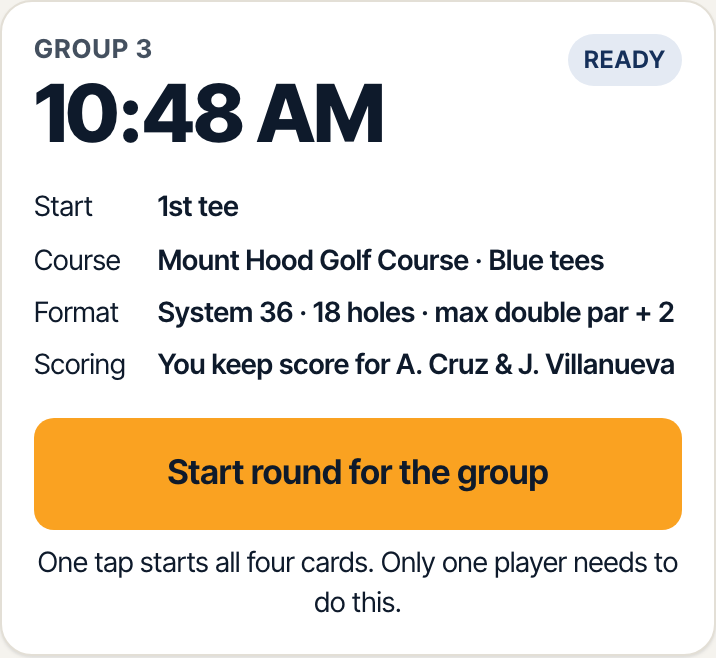
When the tournament starts, any player in your group taps Start round for the group. One tap starts it for all four of you.
Pick your scorer
One player on each side keeps the other side’s two cards. The app picks one to begin with, and your partner can take over in the app at any time. Only one phone scores for a side at a time; if your partner takes over, your phone switches to view-only.
Enter both scores on every hole
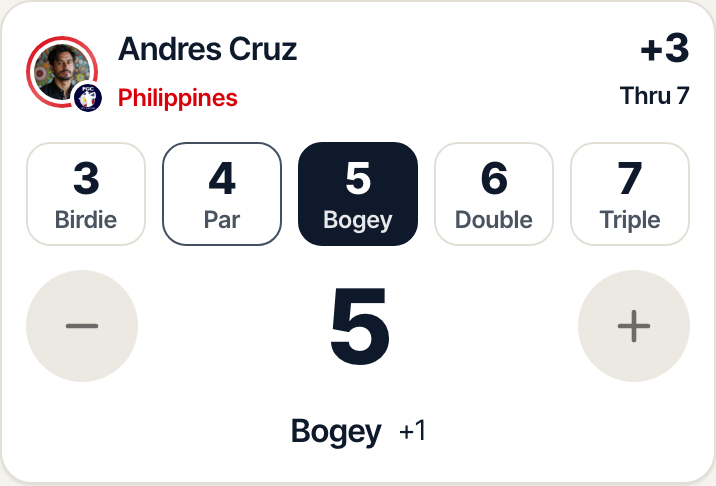
The Score tab shows the hole, its par and yardage, with a card for each opponent. Tap their score on the number strip, or use + and −. The chosen number slides to the middle so it’s always in view. The most anyone can take is double par + 2 (8 on a par 3, 10 on a par 4, 12 on a par 5); at that point they pick up.
Next hole
The Next hole button at the bottom lights up once both scores are in. Until then it tells you whose score is missing. Scores save as you go; if you lose signal, they’re kept on the phone and sync when it comes back.
Until both scores are in Then

Check the group card
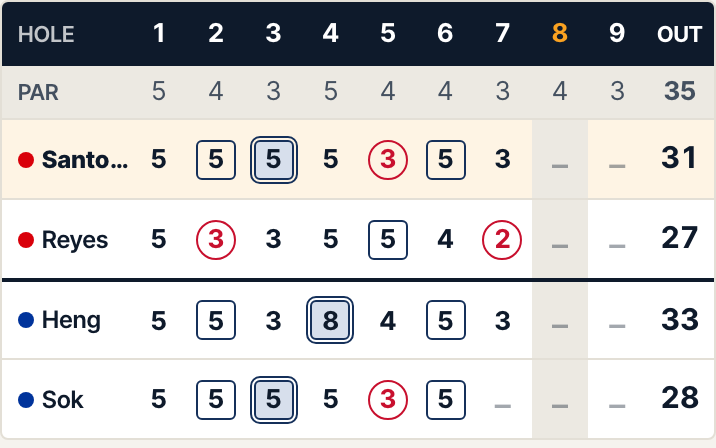
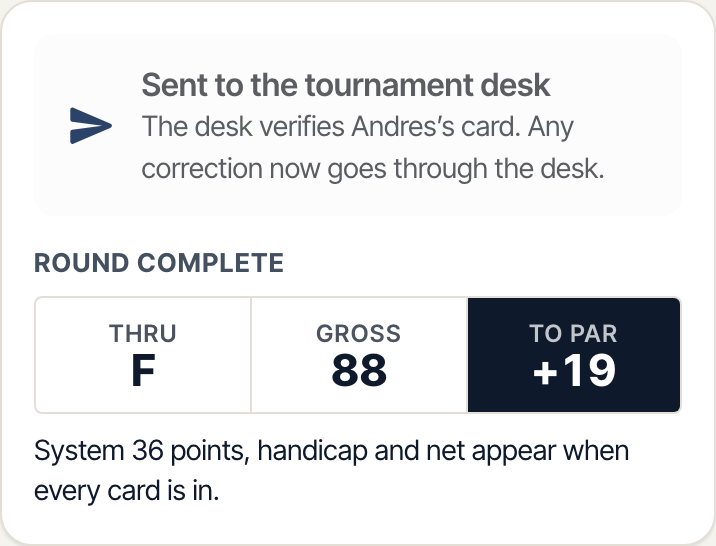
The Group card tab shows all four cards live, including yours as your opponents enter it. During play everyone sees score to par only; System 36 points and nets appear once every card in the tournament is in.
Review and submit after 18
Open Review, check each opponent’s card hole by hole (any missing hole is listed so you can fill it), then tap Submit. Each card goes straight to the tournament desk, which verifies it. Nobody needs to confirm their own card.
Review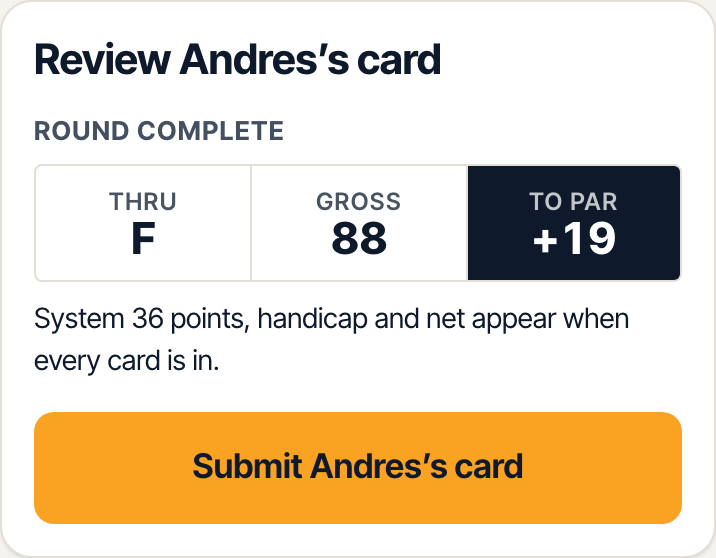 After you submit
Spot a mistake?
Fix it before you submit. After that, only the tournament desk can make corrections: find the desk at Mount Hood Golf Course or email help@seacup2026.com. If a phone dies, the desk can also enter a paper card.
Full format, local rules and scoring examples: Rules & format